

Codex
Install the Alation plugin in Codex and work with your catalog in natural language.
Prerequisites
Section titled “Prerequisites”- Python 3.10+ on the machine running the agent.
- An OAuth client registered on your Alation instance (a one-time, per-instance step).
Install
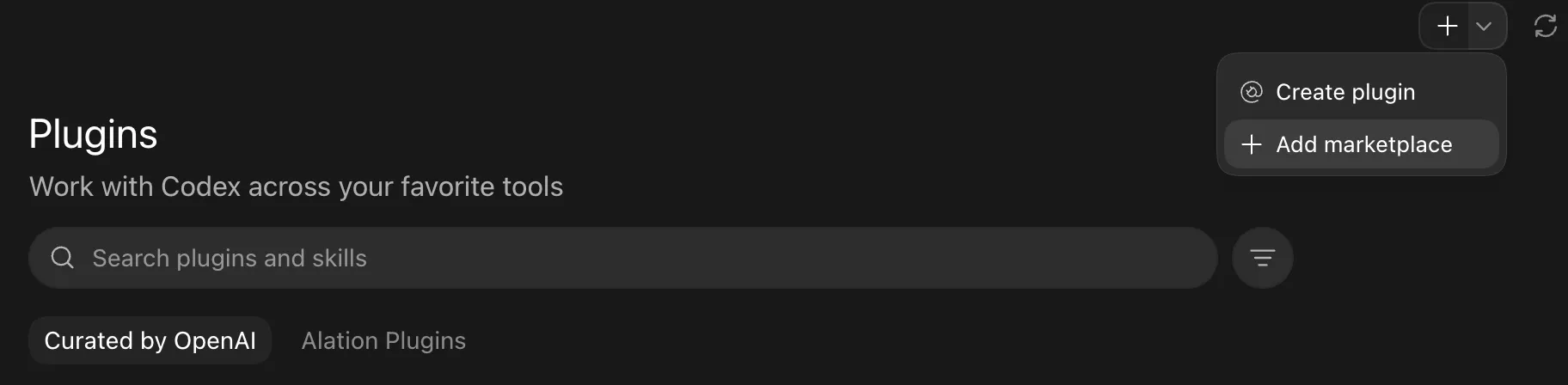
Section titled “Install”From the Codex Plugins page, click the + and choose Add marketplace.
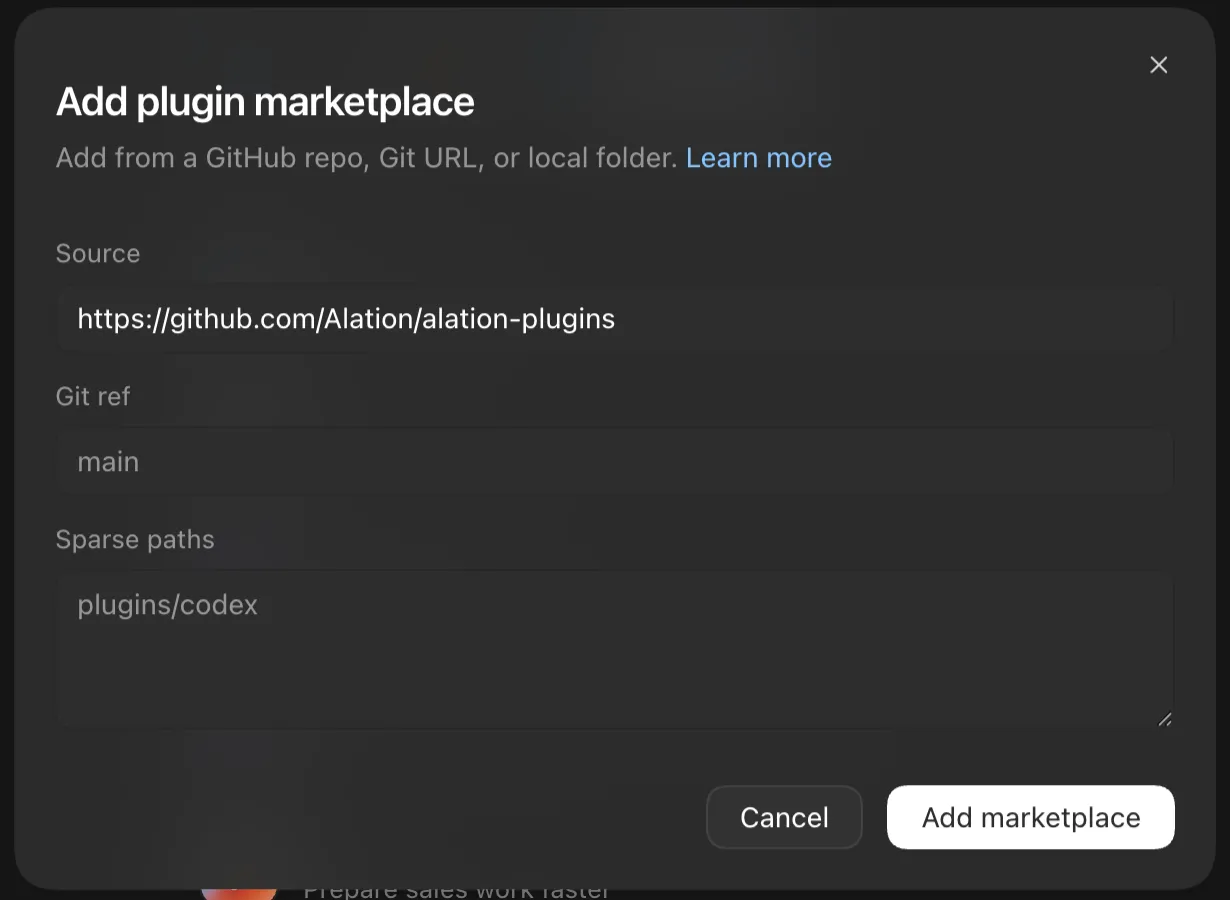
Fill in the marketplace:
| Field | Value |
|---|---|
| Source | https://github.com/Alation/alation-plugins |
| Git ref | main |
| Sparse paths | plugins/codex |
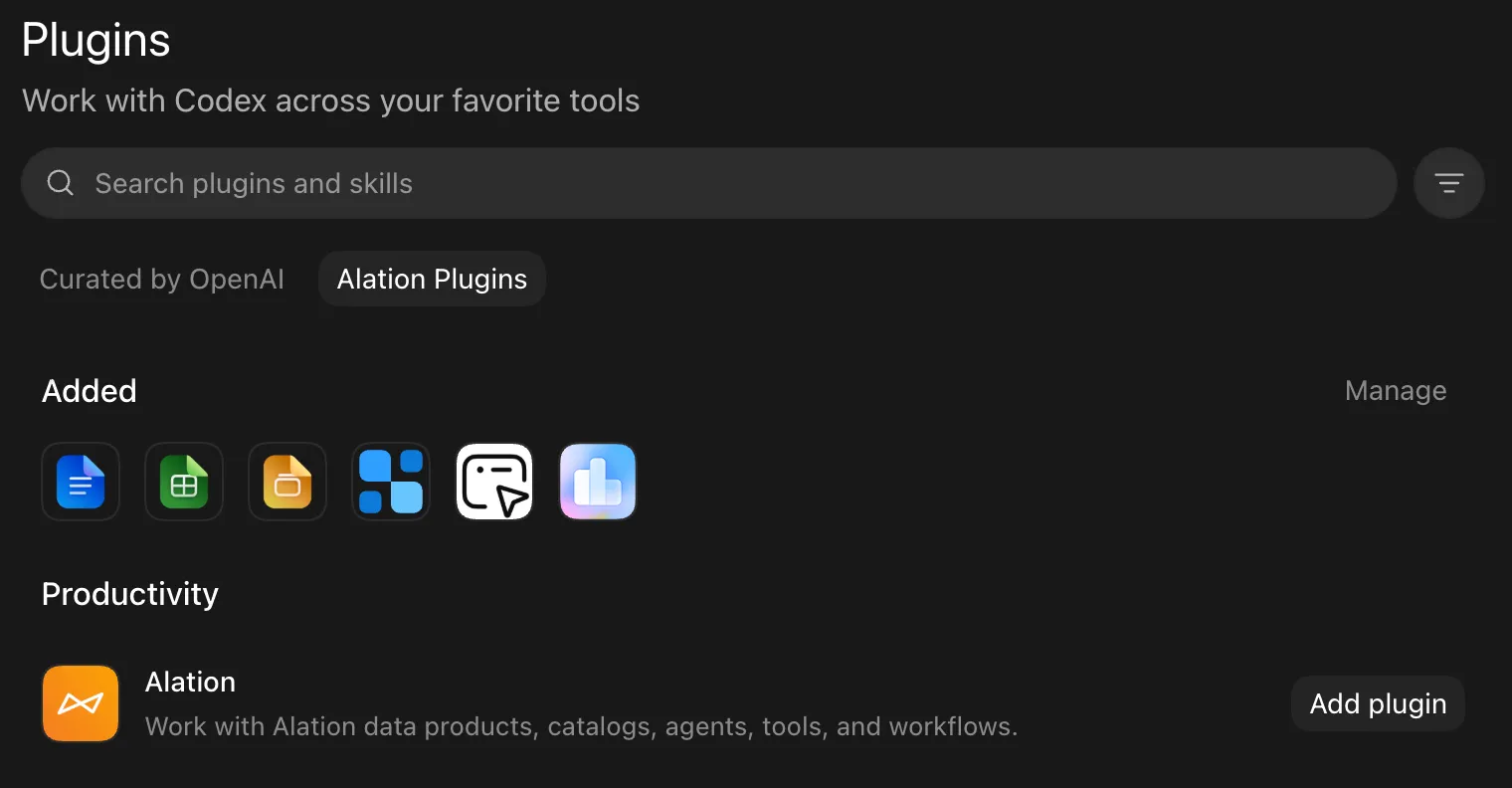
Open the Alation Plugins tab and click Add plugin on the Alation entry.
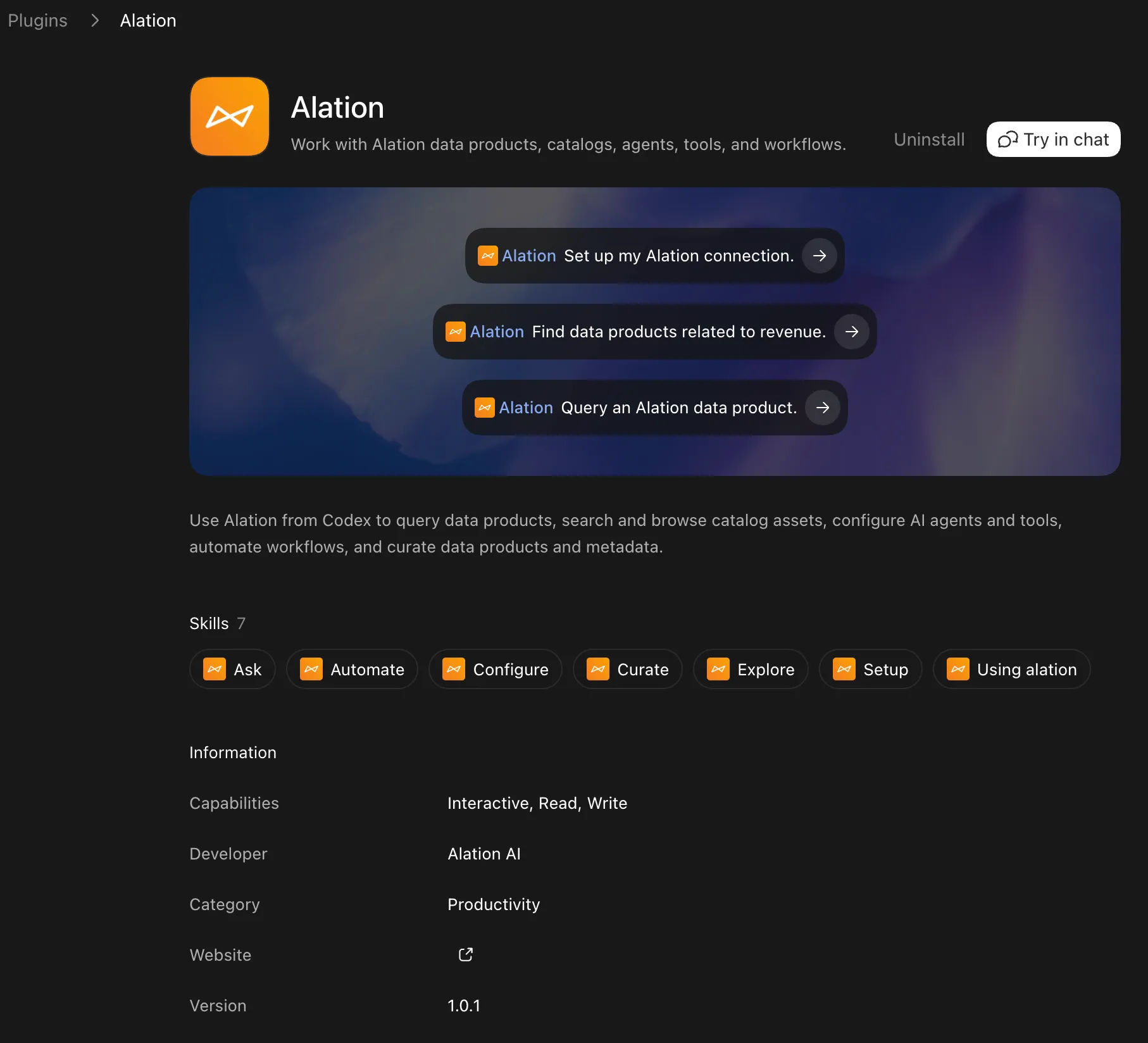
The plugin installs with all its skills and registers an Alation MCP bridge automatically.
Authenticate
Section titled “Authenticate”Ask Codex to set up the Alation plugin — this runs the setup skill.
It prompts for your instance base URL and the Client ID from the OAuth client, then uses a paste-the-redirect-URL login: open the authorization URL it gives you, log in, and paste the final redirect URL back into the chat.
You only register the OAuth client once per instance.
See the skills and what to ask to start working with your catalog.