

Data product best practices
Data products package the data and business context that people and agents need for a specific use case. A well-designed data product is narrowly scoped, self-contained, and testable, which helps agents reason over its data accurately and consistently.
This guide follows the data product lifecycle from initial creation through ongoing improvement. For product concepts and administration, see the Data Products documentation.
Scope the data product
Section titled “Scope the data product”Build each data product around a clear use case. Include only the schemas, tables, and columns required to answer the questions in that use case. A smaller scope reduces ambiguity, limits irrelevant context, and helps agents respond faster.
Data products can also use catalog documentation as context. This is useful for business definitions, metrics, policies, and standard operating procedures, but searching more documentation can increase latency and tool usage.
Apply least-privilege scoping to documentation:
- Attach individual documents when possible.
- Attach a specific folder when several related documents are required.
- Use catalog-wide documentation only when the use case cannot be served by a narrower scope.
Establish an evaluation baseline
Section titled “Establish an evaluation baseline”When a data product is created, it draws on the context already available in the catalog. If that context is incomplete, Alation can suggest enrichments such as descriptions, metric definitions, relationships, and clearer column names.
Treat the initial product as a starting point. Before publishing it broadly, create evaluation cases that represent the questions users will ask and the SQL that should answer them. Evaluation cases expose ambiguous terms, missing synonyms, incomplete relationships, and inconsistent behavior.
You can create evaluation cases in several ways:
- Add question-and-SQL pairs manually.
- Upload a CSV file.
- Generate cases from published queries and query-log history.
- Use the SQL Eval Case Manager to generate or audit cases interactively.
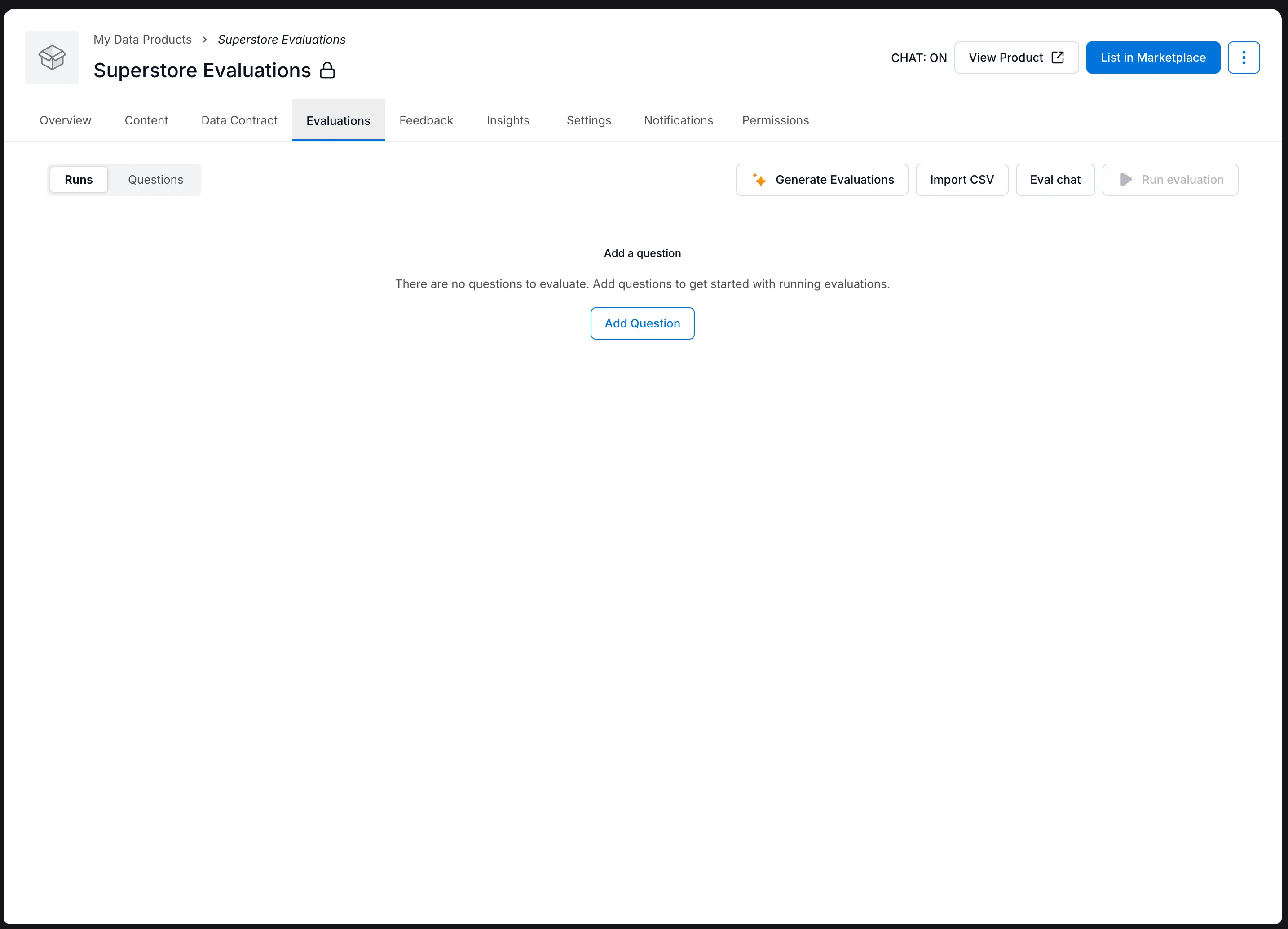
Good evaluation cases are specific, non-empty, temporally stable, consistent, and reproducible. Use the SQL Eval Case Manager to audit existing cases or help create new ones.
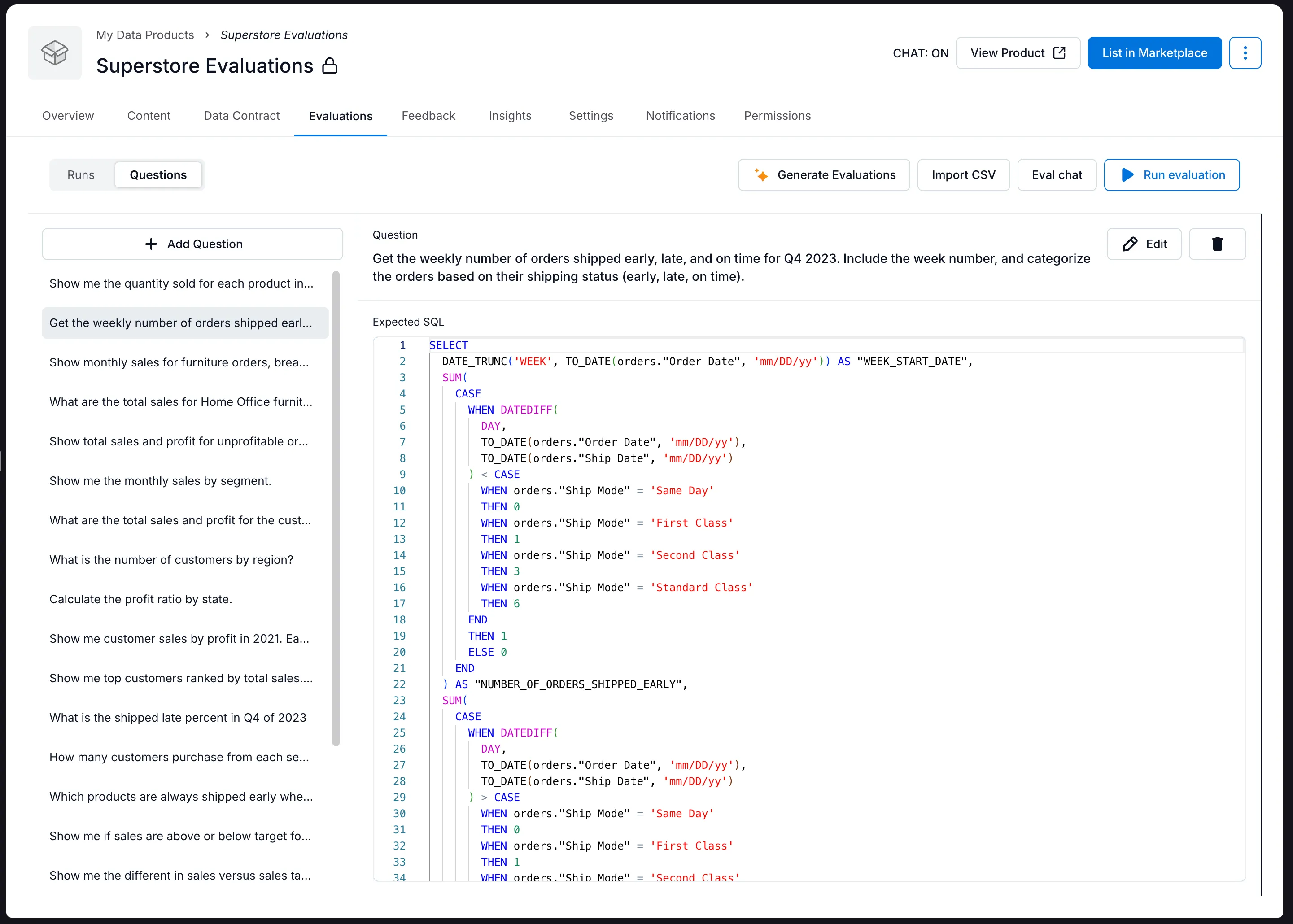
For detailed guidance, see SQL evaluations for data products.
Optimize before publishing
Section titled “Optimize before publishing”Run the evaluation set and review individual failures, not only the overall score. Use each failure to identify a concrete gap in the data product, such as:
- A business term or synonym that is not defined.
- An ambiguous metric or time period.
- A missing relationship between tables.
- An unnecessary table or column that creates ambiguity.
- An expected query that does not match the wording of its evaluation question.
Use Suggest Improvements to analyze failures from the latest evaluation run and propose changes to the data product. If no evaluation result exists, Alation runs the evaluation first. The proposed changes are validated by rerunning the evaluation set, then made available for you to review, modify, and accept. See Suggest Improvements for instructions.
Repeat this cycle until the product answers its representative questions consistently:
- Run evaluations.
- Inspect failures.
- Improve the product’s metadata and scope.
- Rerun evaluations and check for regressions.
Improve the data product over time
Section titled “Improve the data product over time”Enable Automatic Improvements to monitor a data product after publication. Automatic Improvements uses two feedback loops:
- Catalog changes: Detects schema drift and metadata changes, then surfaces proposed updates for review.
- User feedback: Analyzes data product chats and thumbs-up or thumbs-down feedback, then proposes improvements based on how people use the product.
When appropriate, Alation creates an evaluation case from user feedback to validate that a proposed change improves the new scenario without regressing existing cases. Review these suggestions regularly and keep evaluation cases that represent important production questions.
Continued use does not improve a data product by itself. The improvement comes from reviewing feedback, accepting appropriate changes, and maintaining an evaluation set that protects expected behavior.
Lifecycle checklist
Section titled “Lifecycle checklist”- Define one clear use case.
- Include only the required data and documentation.
- Add representative evaluation cases.
- Resolve ambiguity and missing context revealed by failures.
- Rerun the full evaluation set after every material change.
- Publish only after representative cases pass consistently.
- Enable Automatic Improvements and review its suggestions.
- Add useful production questions to the evaluation set.